
SaaS onboarding emails that follow real product steps
David A · Founder, 1212 Agency
Published November 16, 2026

Plan onboarding emails from signup to a useful product action. Use a verified event map, clear exit rules and focused messages instead of a fixed email blast.
An onboarding email should help a user do something useful in the product. A calendar of messages cannot tell whether that action has already happened, whether the person is eligible or whether the product is currently blocking them.
Begin with a product journey and an event map. Then write messages for the gaps that email can reasonably help close. The following sequence is a complete fictional example for a scheduling product. Its event names illustrate a contract to define with product and engineering; they are not claims about a particular platform or an existing 1212 implementation.
Define the useful first outcome
Signup is an entry point. It is not necessarily the moment someone experiences the product's value. For the fictional scheduler, a useful first outcome might be publishing a schedule that includes a real working session. Creating an empty workspace is an earlier step.
Agree on the outcome with product and customer-facing teams. Specify what the event proves and what it does not. A button click on Publish is weaker evidence than a successful persisted schedule. If the app cannot report that distinction reliably, fix the measurement contract before depending on it.
Define the eligible population too. An invited employee may not have permission to create a schedule. Sending that person an administrator setup instruction would create frustration rather than progress.
Map events, eligibility and exit rules
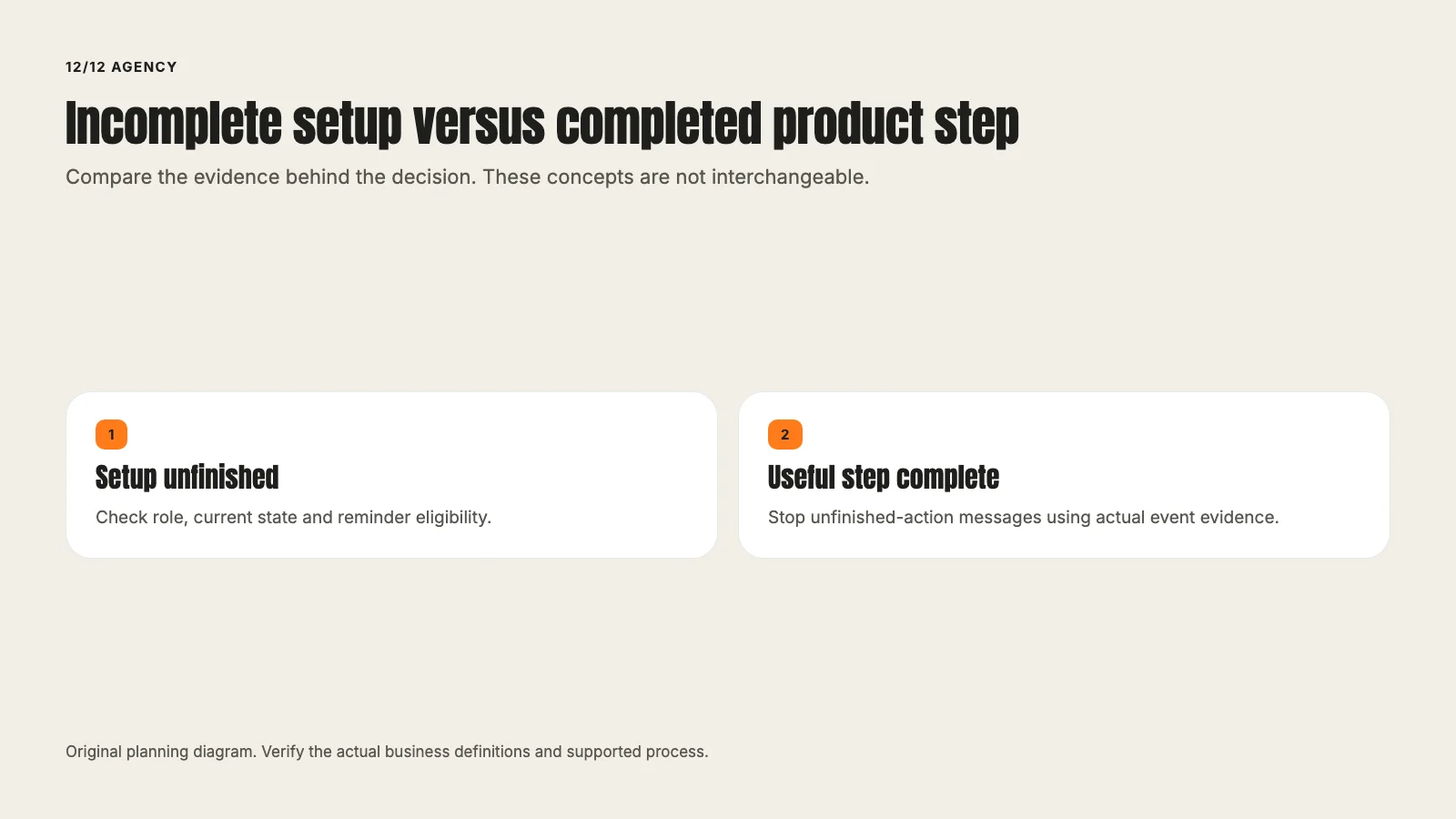
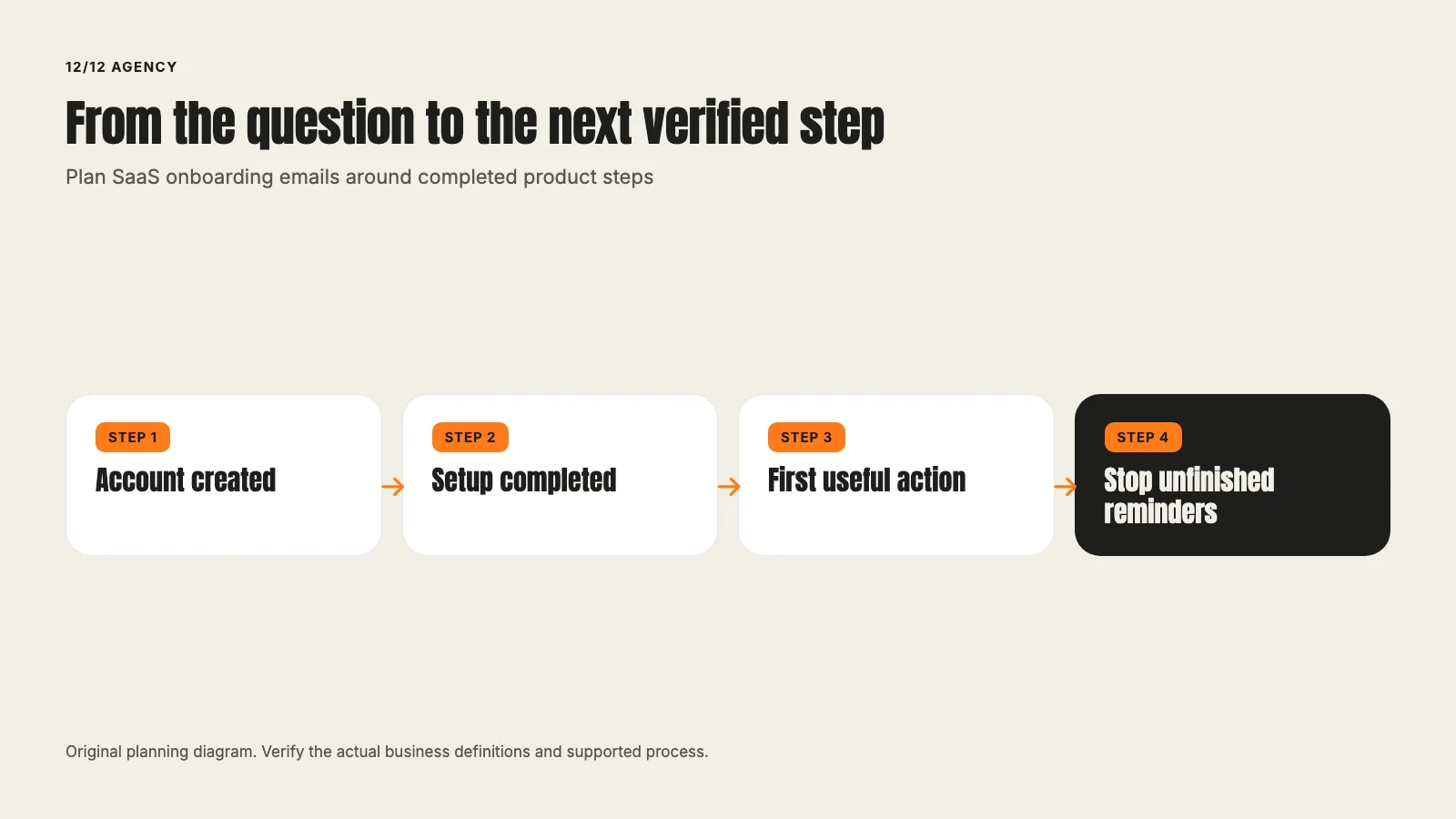
For the example, use four illustrative states: account created, workspace configured, first schedule published and paid plan confirmed. Record the source of truth, stable account or user identifier and event time for each state.
The email plan should handle repeat events and delayed arrival. One completed setup event should not create three reminders because a background job retried. A user who publishes a schedule should leave the unfinished-schedule reminder path even if an earlier message is already queued.
Also define suppression for opt-out, invalid address, account closure and unresolved support issues where the system can support it. A pause because the user needs help is different from declaring that the user has failed onboarding.
Message one: orient the right person
Trigger: An eligible administrator creates an account and has not completed workspace setup. Timing is agreed for the product, not copied as a universal recommendation.
Subject: Set up the workspace your team will use
Body: Welcome. Start by adding the workspace name and the operating hours your team needs. You can review those details before publishing anything. Open workspace setup to continue. If you are joining an existing team rather than setting it up, use your invitation or contact your administrator.
Action: Continue workspace setup.
The message names one job and avoids claiming that every recipient has the same role. Its destination must exist in the current product and handle a signed-out user appropriately. The draft does not invent a working deep link.
Message two: help with the next unfinished step
Trigger: Workspace setup is complete, no first schedule has been published, and the administrator remains eligible.
Subject: Build the first schedule before inviting the team
Body: Your workspace is ready for the next step. Add one working session, check its time and location, then review the schedule before publishing. You can use the setup guide if you need help choosing the right structure. Continue to your schedule when you are ready.
Action: Review the first schedule.
This message should be suppressed when the schedule is successfully published. It should not announce a deadline or expiring access unless those facts are accurate for the actual account.
Message three: acknowledge the completed outcome
Trigger: The first schedule is successfully published and the recipient is eligible for team-management guidance.
Subject: Your first schedule is published. Check the team handoff
Body: Your first schedule is now published. Review who can see it and confirm that the right people have access. If your team needs different permissions, check the current roles before inviting more people. Open the team settings to review the handoff.
Action: Review team access.
A confirmation should be based on the actual successful event. It should not promise that every team member has read the schedule or that all notifications were delivered.
Keep product and marketing responsibilities visible
A broken setup screen is a product issue. A permission problem needs the appropriate account or support path. Email can explain a step and offer help, but it cannot make an unsupported feature exist.
Before building the sequence, verify the destination, role, mobile behavior and signed-out return path for every action. Review what happens when a user completes the step between eligibility evaluation and send time. The implementation must define whether it can perform a final state check.
This guide does not depend on Braze, Customer.io, Liquid or any particular CRM. Actual tool selection, API support, event contracts and permission requirements are implementation decisions.
Test the sequence as a state machine
Create approved test cases for an eligible new administrator, an invited non-admin user, a user who completes setup immediately, a delayed event and a repeated event. Check both which message appears and which message must not appear.
Use labeled test accounts and preserve a reviewable receipt. Do not record private user inboxes, import real customer lists or send test reminders to uninvolved people. Verify suppression and destinations before increasing the eligible population.
Delivery, click and product completion are separate measures. A delivered email does not prove that it was read. A click does not prove that the schedule was published. Compare cohorts over a defined window and account for users who complete the task without clicking the email.
Reactivation after a useful product milestone
Reactivation belongs within the same journey. Ask what has changed that gives an inactive, eligible person a useful reason to return. A generic we miss you message supplies little information.
For the fictional product, a documented improvement to the scheduling workflow could support a return message, but only for users whose role and prior behavior make it relevant. Exclude recent active users, closed accounts and people who have opted out of marketing. State the improvement accurately and offer one action. Do not imply that inactivity proves dissatisfaction or financial difficulty.
A reactivation email is not permission to bypass preferences or relabel a promotional message as a required account notice. Review the applicable rules and platform requirements with the responsible team.
Review the sequence as a product contract
Use an empty planning table with one row per message and columns for eligible role, source event, current-state check, destination, exit and responsible reviewer. For the first reminder, the product team should explain how the system knows that setup remains unfinished. For the completion message, it should identify the successful persisted event.
The SaaS service context explains the broader buyer journey. The SaaS lead-generation guide and general B2B guide keep pre-purchase stages separate from product use. The tracking guide supplies the evidence distinction, while the demand-generation article retains its separate distribution purpose.
Review the actual messages against the FTC's commercial-email guidance and the sender's technical setup against Gmail requirements, where applicable. Those reviews do not prove that every user received or understood a message. They identify the requirements the implementation must satisfy.
A useful test receipt records both the message sent and the reminders suppressed. That negative evidence matters: the user who already published should not keep receiving unfinished-schedule instructions. If the platform cannot check that state reliably, record the actual limitation before enabling the sequence.
Questions to settle before implementation
Which successful product event ends each reminder? Which roles are eligible? What happens when an event is late or repeated? Who approves product claims, sender identity and suppression? Can the system verify current state before sending?
Answer those questions before optimizing the subject line. A relevant message depends first on sending the right instruction to the right person at a point where it can help.
For help connecting the journey and its messages, talk to 1212.
Frequently asked questions
Want this run for your business?
Tell us where to send it and we'll follow up with the strategies that fit your market.