
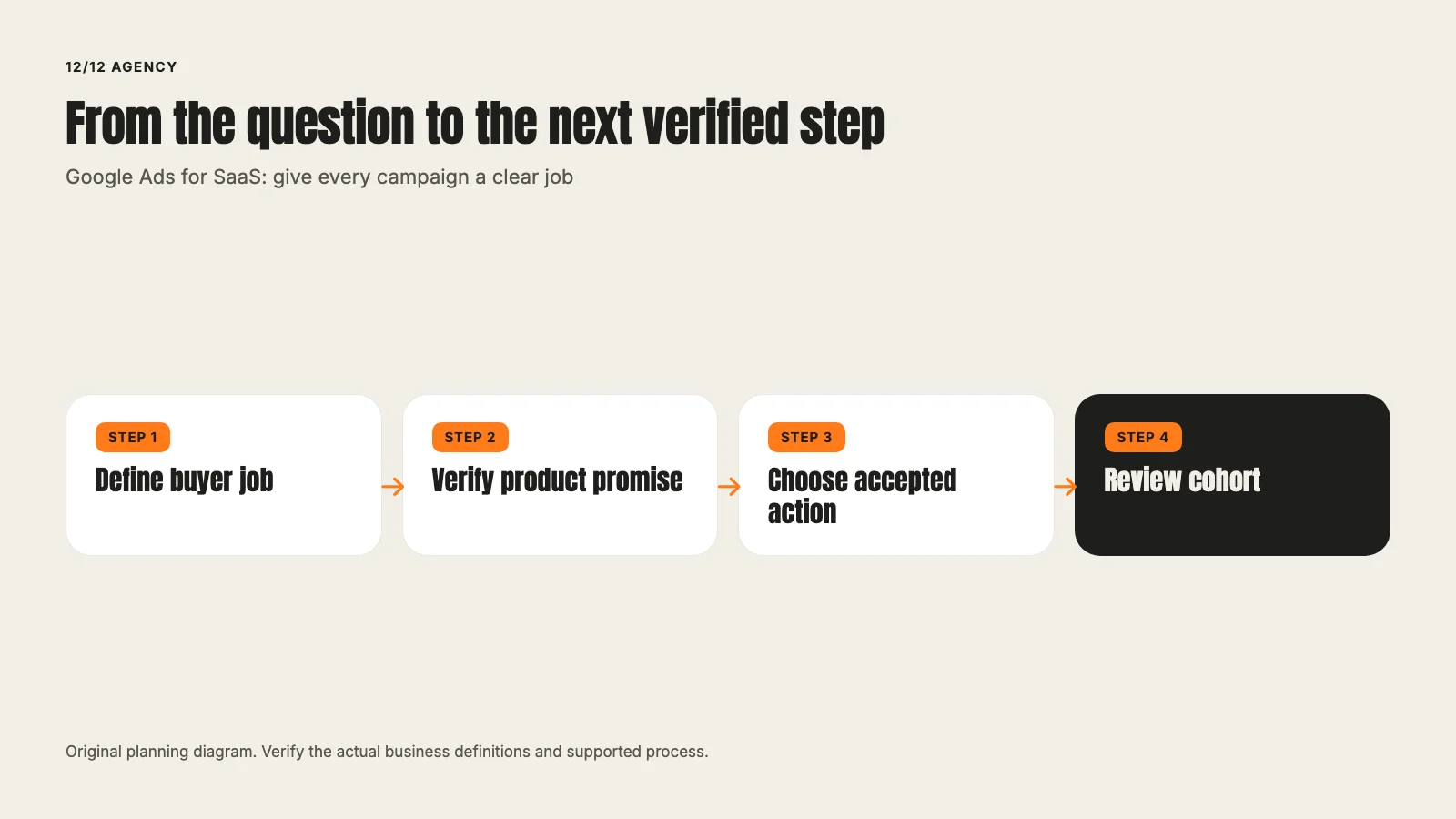
Google Ads for SaaS: give every campaign a clear job
David A · Founder, 1212 Agency
Published November 16, 2026

Map SaaS search intent to an honest product promise, a useful landing page and a defined conversion. A practical guide to campaign structure and review.
A software company can buy relevant searches and still give buyers the wrong next step. Someone comparing scheduling systems arrives on a general homepage. Someone checking an integration lands on a demo form with no integration details. Someone searching for support becomes a sales lead.
The account needs a clearer job before it needs more campaign types. This guide uses a fictional scheduling product to show how we would map the search, the page and the result. The product and examples are illustrative. They are not a client case or a promise about what Google Ads will produce.
Define the buyer and the accepted action
Start with the customer the product can actually serve. Write down the team, use case, necessary capabilities and exclusions. The description should help the marketer recognize a useful request without relying on a vague label such as business software.
For the fictional scheduling product, the buyer might operate a venue with several bookable spaces. A consumer looking to reserve a single session is a different audience. The same word, booking, can appear in both searches.
Next, define the action. An accepted demo request, a confirmed booking and a qualified meeting are separate stages. For a self-serve product, a trial signup may matter, but the team still needs to know whether the user reached the product value.
Our SaaS lead-generation guide explains that later-stage distinction. Keep the stage definitions in one place so sales and marketing do not change the meaning halfway through a report.
Group searches by the explanation they need
Google's keyword-list guidance describes how keywords relate to the searches that can make an ad eligible. Keyword matching does not remove the need to understand the buyer.
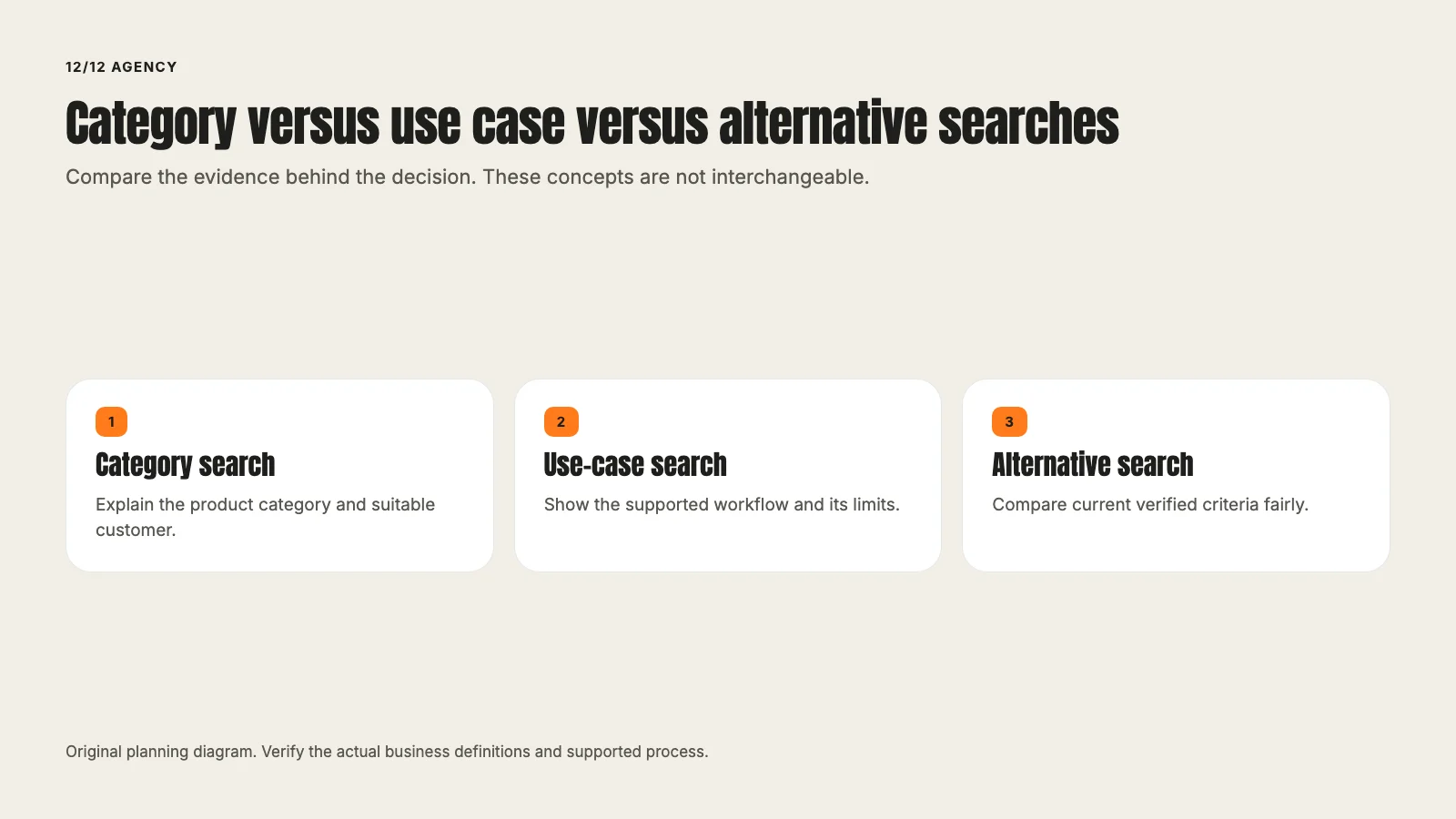
A useful first map has four possible families:
| Search family | The buyer's question | What the destination must explain |
|---|---|---|
| Category | Which kind of system fits this job? | Product category, suitable customer and core workflow |
| Use case | Can this solve my specific problem? | The actual workflow, relevant capabilities and limitations |
| Alternative | How does this compare with another approach? | A fair, current comparison and the basis of each claim |
| Brand | Is this the product I meant to find? | The requested product information and an appropriate next action |
These are planning categories, not an instruction to create four campaigns in every account. Separate a group when the message, destination, economics or control decision needs to differ. A larger structure is not automatically a better one.
Make the product promise precise
Suppose a search describes software for scheduling several venue spaces. The ad can explain that relevant use case if the product supports it. The page should show how availability, booking and administration work.
If the search asks for a particular integration, the product team must confirm that the integration exists. A general ability to export data is not the same as a supported connection. Do not buy an attractive keyword by inventing the capability it implies.
Alternative searches need the same care. Compare a defined workflow or requirement using current public evidence. Do not turn an incomplete feature list into a claim that a competitor cannot perform the task.
Choose the page before writing the ad
For each family, record the destination and the question it answers. Review the mobile page as well as the desktop version. The headline, evidence, fit requirements and next step should continue the ad's promise.
An industry page can be a good destination when it contains enough relevant product detail. A generic homepage can be appropriate for some brand searches. Neither is automatically the right answer for every campaign.
The page review should also identify the action after submission. Does the buyer receive a confirmation? Can they reach the right calendar? Is another review required before booking? A clear handoff matters more than making every page look like the same demo template.
Our B2B lead-generation article covers the broader path. Use it as the workflow reference rather than duplicating the same form instructions in every campaign brief.
Check the measurement before judging efficiency
Write an event map before choosing a cost target. Record the accepted action, where it happens, the system that owns it and what evidence proves success.
Google's offline-conversion guidance describes ways to bring later outcomes back into advertising measurement. That requires a suitable implementation and the relevant identifiers. It does not mean every CRM opportunity can automatically be attributed to an ad.
Check the campaign's actual goal selection. An action existing at account level does not tell you that every campaign uses it as intended. The Google Ads audit guide explains why this distinction deserves its own check.
Keep the early cost model honest
A simple model can use expected click cost, click-to-accepted-request rate and request-to-qualified-outcome rate. Those inputs should come from a relevant observed cohort or be labeled assumptions.
For example, a fictional model with a $5 click and a 5% accepted-request rate produces a $100 media cost per accepted request. That is arithmetic, not a SaaS benchmark. If only one in five requests becomes qualified, the model produces a $500 media cost per qualified outcome before management and production costs.
Do not use those example inputs as a bid recommendation. A model helps expose which assumptions matter. The account supplies evidence over time.
Review search terms as buyer evidence
When terms become available, classify the actual searches by their job. Look for suitable buyers, unsupported use cases, consumer booking intent, support needs and research that does not fit the current offer.
Then choose the appropriate response. A useful search may need a better page. An irrelevant family may need an exclusion. A broad term may deserve a narrower message or no spend until the product can support it.
Avoid reacting to a single ambiguous word. Booking can describe a buyer's software requirement or a consumer's reservation. Read the full search before deciding. Our negative-keyword guide explains how to protect suitable buyers while reducing waste.
Give sales a small, usable feedback loop
Sales should not need to write an essay for every inquiry. Agree on a few definitions such as wrong customer type, unsupported requirement, duplicate, suitable conversation and qualified opportunity.
Keep the request date, later stage dates and review window visible. A lead submitted yesterday has not had the same chance to become an opportunity as one submitted last month. Report the cohort and the missing evidence alongside the counts.
That feedback can change a message, page, form or campaign. It should not be treated as permission for an unreviewed budget increase or a new customer-data upload.
Write the next decision before making the next change
A useful review ends with a specific question. Do the category searches reach the intended buyer? Does the use-case page answer the requirement? Is the accepted request reaching the right owner? Is the conversion definition reliable enough to guide bidding?
Choose the change that addresses that question and record the date. If the account changes its offer, page and goals at once, the next report becomes much harder to interpret.
There is no universal SaaS campaign structure or guaranteed cost per demo. The practical foundation is simpler: a buyer the product can serve, an honest promise, a page that continues it and an outcome the business can verify.
Bring that path to a strategy session, or start with our Google Ads management overview.
Frequently asked questions
Want this run for your business?
Tell us where to send it and we'll follow up with the strategies that fit your market.