
Google Ads for manufacturers: match the specification
David A · Founder, 1212 Agency
Published November 16, 2026

Map manufacturing searches to accurate capability pages and usable RFQs. Review specifications, application intent, exclusions and later sales evidence together.
A search for a component, manufacturing process or application can look commercially valuable while asking for something the supplier does not make. A campaign needs a better organizing principle than the presence of an industrial keyword.
Map the buyer's specification question to a verified capability and an appropriate next step. This guide follows a fictional component supplier. It explains campaign planning, not an existing account's settings, technical feasibility or a guaranteed acquisition result.
Establish the supported capability map
Ask technical sales which processes, materials, application families and production scales the business can assess. Record boundaries as carefully as strengths. A supplier may support one material or product family without offering every variation a keyword tool returns.
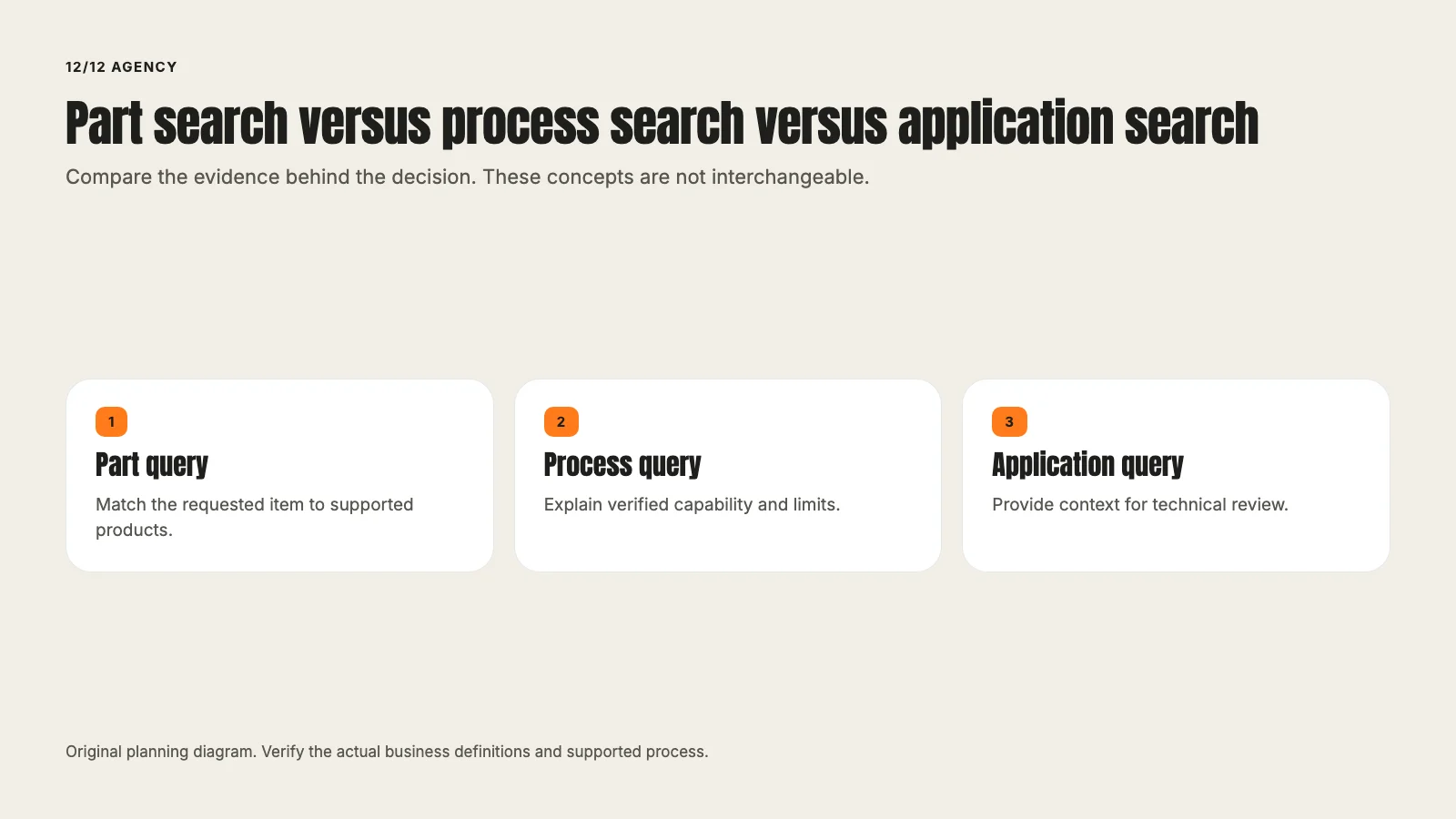
Separate part, process, application and broad supplier searches when they require different explanations. The manufacturing service page can retain the commercial overview. The industrial equipment and industrial services contexts may need different destinations and sales routes.
Do not create a campaign for a capability merely because competitors advertise it. The supplier's verified offer determines what the ad can promise.
Read the query as a requirement
A fictional query for a corrosion-resistant component may concern a material, application or research question. The page needs to explain the supported range and the next technical review, not assert that every requested operating condition is feasible.
Google's search terms report distinguishes the searches people used from the account's keywords. Use available actual-query evidence to classify intent, while recognizing that the report does not expose every individual search.
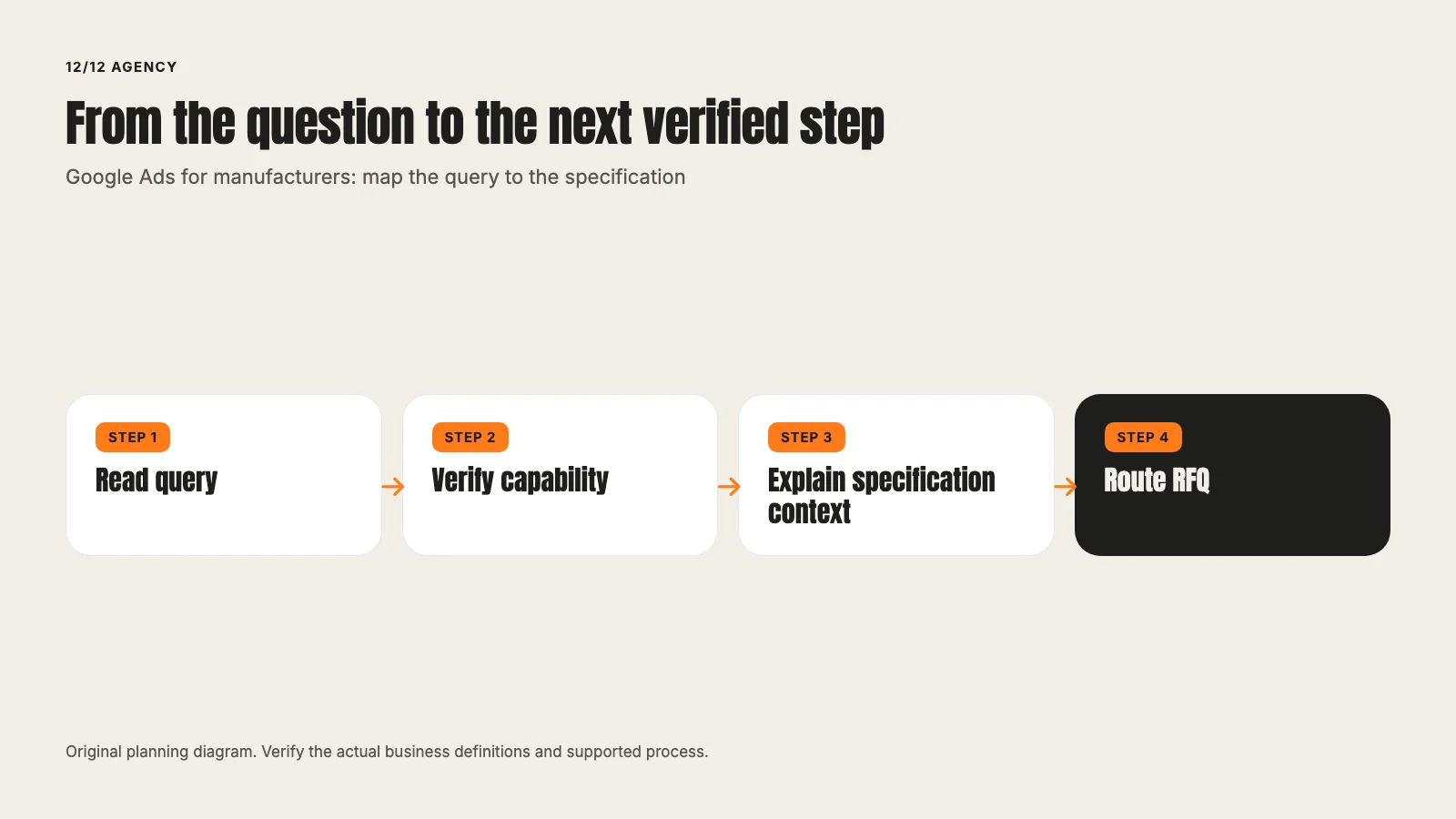
Record the decision in a short log: query family, apparent buyer job, supported capability, destination and proposed action. An ambiguous query may need more context before it becomes a negative keyword or a new campaign.
Make the page specification-ready
A useful destination should help the buyer determine whether a conversation is appropriate. Explain the verified process, application context, relevant constraints and information needed for initial assessment.
A page can use an original diagram to show the specification-to-review path. Technical claims require approval from the people who can verify them. Do not infer a certification, tolerance or capacity from a general factory photo.
Keep current documentation accessible where appropriate and approved. If a public PDF is outdated, identify the correction rather than letting a new campaign amplify the old claim. The broader industrial service page should remain consistent with the detailed destination.
Separate the first inquiry from technical approval
The form should collect the minimum information the team needs to route the request. Capability sought, application, material family, quantity range and general geography may be useful. Do not require every buyer to provide a finished engineering package at the first step.
An entered specification does not prove that the supplier can meet it. The confirmation should explain the actual review process rather than promise a quote or delivery date. If confidential drawings are needed later, use the business's approved secure process.
Check what the receiving team actually gets. A form can appear successful while dropping the material or application field that determines routing. The conversion-tracking guide explains why accepted action, technical event and business record should be verified separately.
Use exclusions with the technical context
Job searches, training, used equipment, retail parts or unsupported materials can be irrelevant to a particular campaign. They are not universally irrelevant to every industrial business.
Use the existing negative-keyword guide for the detailed exclusion workflow. Before blocking a broad term, ask whether it also appears in suitable searches. A word such as design may describe either a service the supplier sells or a job the campaign should exclude.
Keep the reason and expected effect with the proposed change. A long negative list is not proof of account quality. The aim is to avoid unsupported demand while preserving useful searches.
Define the goal and later feedback
Choose the accepted action the campaign is meant to acquire. A website request, a technical-qualified inquiry and a won project are different stages. If later outcomes are imported, the method and evidence need a reviewed implementation contract.
Google's conversion-goal documentation explains why action settings and selected campaign goals must be considered together. Do not assume that a conversion action's name proves what the campaign optimizes toward.
Review later sales evidence using consistent stage definitions and timestamps. A quote value is not collected revenue. A contact that reaches three stages should not be counted as three customers.
Build a cost scenario without inventing benchmarks
Suppose a fictional test includes $5,000 of media. At an assumed $10 cost per click, it models 500 clicks. An assumed 3% accepted-request rate models 15 requests. If one third becomes a technical-reviewed inquiry under the business's definition, the model produces five such inquiries.
The modeled media cost per technical-reviewed inquiry is $1,000. These inputs are illustrative, not industrial CPC benchmarks or an outcome forecast. Management, page production and sales assessment costs remain outside that figure unless included explicitly.
Use the company's observed rates where available and label assumptions where not. Sparse outcomes and long sales cycles make premature cost conclusions especially misleading.
Where LinkedIn can fit beside industrial search
Search reaches a stated query. A professional-network campaign may reach relevant roles or organizations before they search, depending on the current platform's capabilities and the approved targeting plan. Those are different demand contexts.
A technical explanation or application resource may be a suitable offer, but a download is not automatically an RFQ. Compare both paths against a defined later outcome and preserve differences in audience, offer and cost.
The LinkedIn service page can support a separate scoped discussion. This section does not require another broad industrial advertising article or a promise that one channel will be cheaper.
Review before expanding
Check the query-to-page fit, accepted request, routing and completed cohort. Identify whether the next change is a copy correction, tracking repair, exclusion proposal or test. Obtain approval for bid, budget, status and targeting changes.
Bring one capability and the searches you want to answer to a campaign review.
Write an application-specific review card
For one query family, record the requested job, verified capability, destination, necessary intake context and technical reviewer. A component search may need product evidence, while a process search may need a capability explanation. The same ad and page should not imply that every combination is supported.
Give the reviewer the exact proposed headline and visual. A diagram can add an unsupported material or connection even when the sentence is careful. Ask what the buyer could reasonably infer and preserve the actual scope in the final asset.
The review card should also identify one outcome the account can observe reliably and one later business stage that needs additional evidence. That prevents an accepted RFQ request from being relabeled a won project simply because later reporting is incomplete.
At the next review, compare the actual request mix with the promised capability. Repeated unsuitable applications may point to a message issue. Missing specifications may point to an intake explanation. No response record may point to routing. Those causes deserve different proposed changes and acceptance checks.
Keep the decision log with the account work. If a change is approved, read back the actual configuration and destination. A saved brief, generated ad preview or local page file is preparation, not evidence that the live buyer path changed.
Frequently asked questions
Want this run for your business?
Tell us where to send it and we'll follow up with the strategies that fit your market.